View Schedule Templates
The Schedule Templates screen allows you to view the schedules. Apart from this, the screen also has buttons to navigate to the new and edit schedule template screens.
New Schedule Template
Edit Schedule Template
Delete Schedule Template
Duplicate Schedule Template
Note: You should have schedule template permissions to allow access, add, edit, and delete. Refer to permission for more details.
Click Schedule Templates below Setup

The View Schedule Templates screen displays the schedules.

View Schedule Template screen displays the schedule template name and description. The screen also provides a provision to add, duplicate, edit, or delete a schedule template.
- New Schedule Template - This button on the View Schedule Templates screen allows you to add a new schedule. Click on the New Schedule Template to add a new schedule. Refer to the New Schedule Templates topic.

- Edit - To edit a schedule, click on the schedule template name. The name is a link that will navigate to the View/Edit Schedule Template screen. Refer to the Edit Schedule Template topic for more details.

- Duplicate - The Duplicate button allows you to duplicate a schedule.
- The Duplicate button enables only when you select a schedule.
- To enable the Duplicate button, select a template by checking on the checkbox.
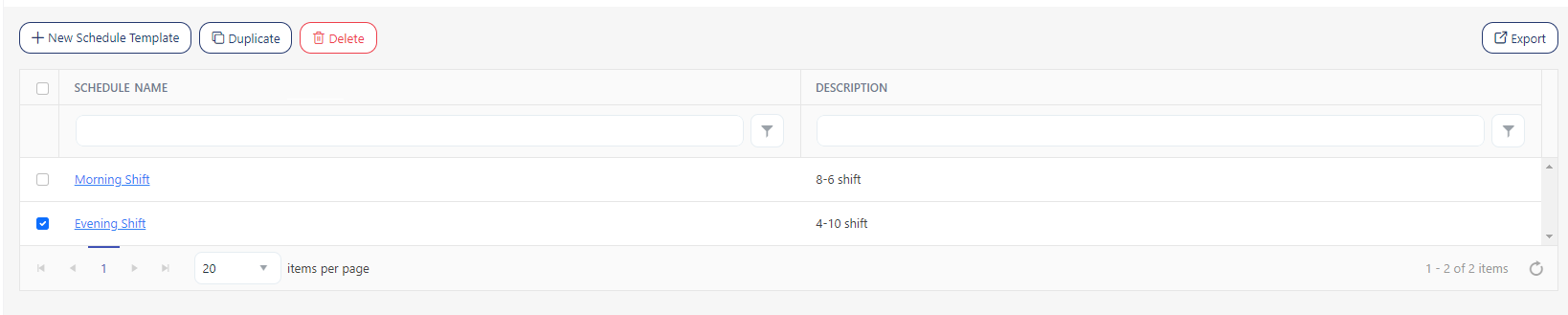
- Click Duplicate, and it will navigate to the View/Edit screen.
- When duplicating a schedule template, the name field will have the prefix "Copy of" along with the duplicated name.

- Fill in all the details like schedule, in-out rules, breaks, etc. Refer to the New /Edit Schedule Template topic for more details.
- Click Save. Click Cancel to access the View Schedule Template screen.
- Delete - The Delete button allows you to delete one or multiple schedule templates.
- To delete, select an employee by checking on the checkbox.
- Click Delete.
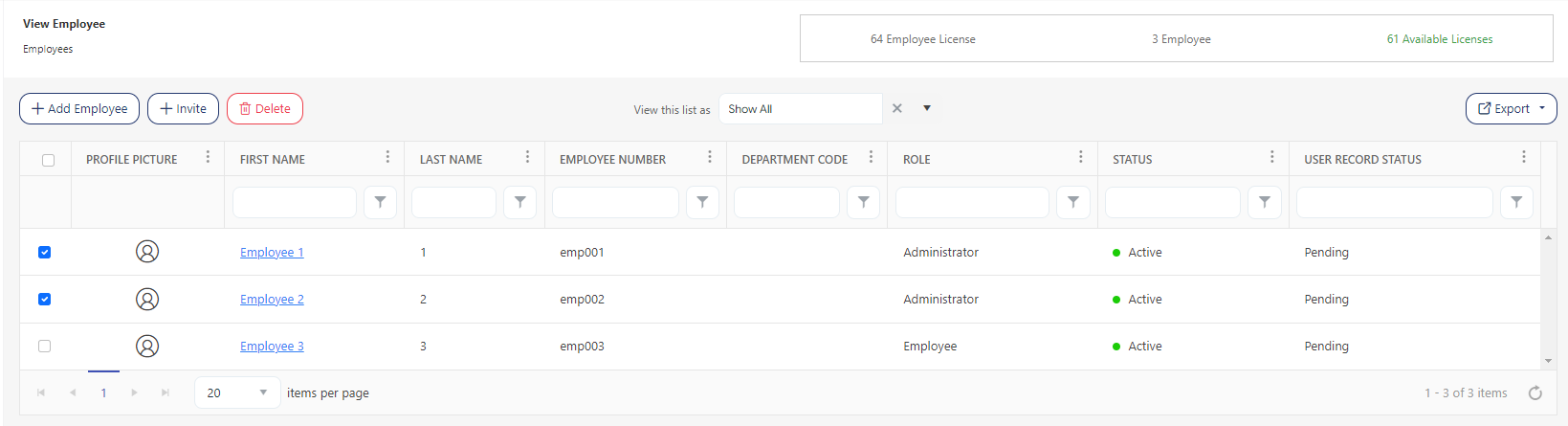
- On the confirmation message, click on the Delete button again. To cancel the deletion, click Cancel.

- A message appears on deletion.
Filter
Each column on the view screen has a sorting and a search option. You will see a search text box in each column where you can type and search. In some cases, the column will only have a sorting option. The search box in each column in an application provides users with a more precise and granular way of filtering data, making it easier to navigate and find the information they need. Enter the text/value that you want to search. You can also enter multiple search terms across different columns. The application will apply all search criteria to filter the data, showing the rows (on the top) that match all the selected criteria.
This approach enables you to filter data based on multiple criteria simultaneously, making it easier to find the specific information you are looking for.
- You can use the filter funnel icon to select - Starts with, Is equal to, Is not equal to, Contains, Does not contain, and Ends with.

- Filter/Sorting Applied - This feature is an indicator in the application to show you that sorting or a filter/set of filters has been applied to a list. This indicator can help users keep track of the filters that are currently in use and understand which items are being displayed because of those filters.
Export
Click on the Export button to download the list of schedule templates.