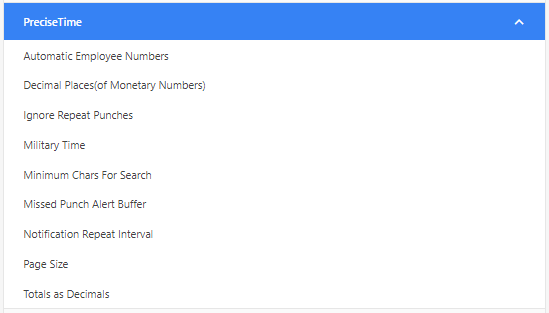
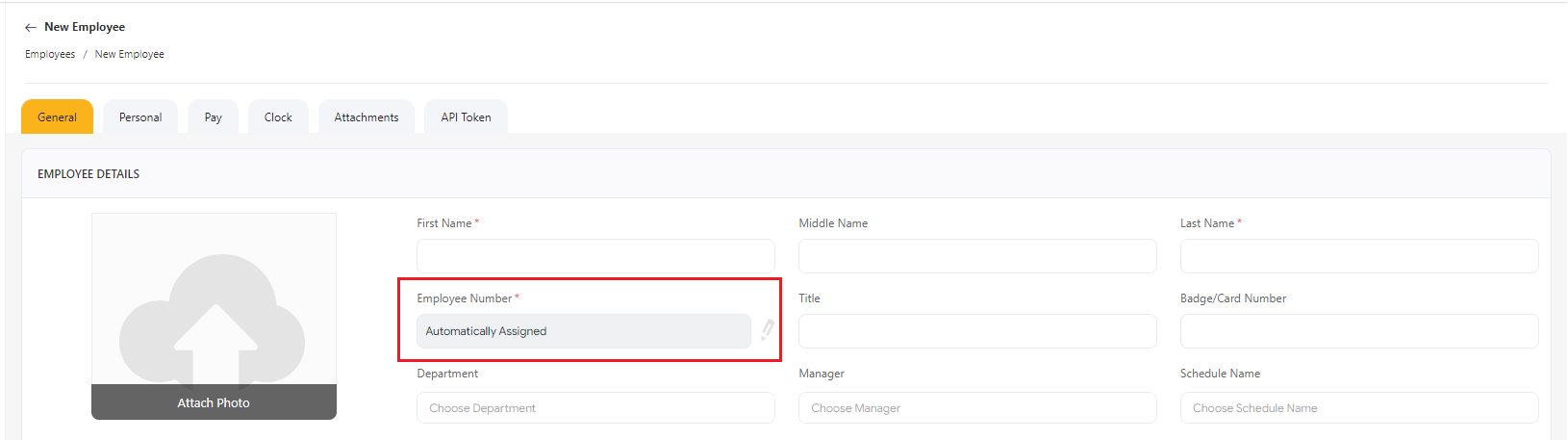
This option automatically assigns an employee number when creating a new employee. The employee number field in the New Employee screen will be read-only and the number generates on saving the screen.
This option will be turned off by default. You can customize the number sequences using the Number Series option.
 ” icon on the top right corner of the application.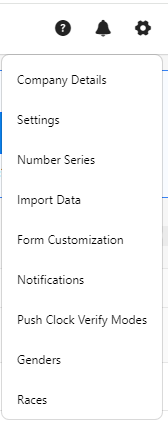


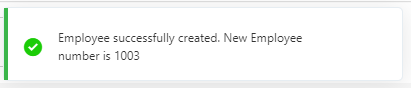
On saving, the employee number appears on the success message.