Totals as Decimals
When checked, the totals in the timecard interface will be displayed as fractions of hours. Otherwise, it will be in hours and minutes.
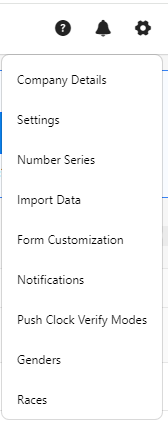
- Click on the gear “
 ” icon on the top right corner of the application.
- Click Settings.
- Click on PreciseTime.
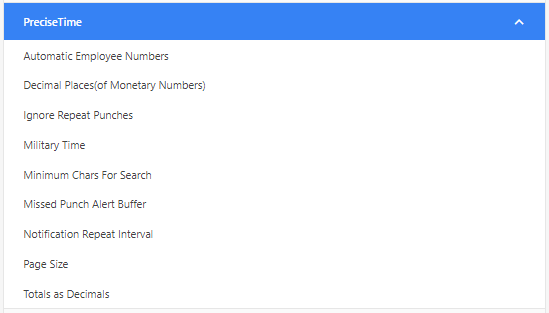
- Check the "Totals as Decimals" checkbox.

- Click Save.
- Example - To verify, access timecards and view the totals displayed in the clock in/out table, calendar, and pay period summary.