Military Time
Military Time displays the time in 24-hour format. This setting applies to the application only, not clocks.
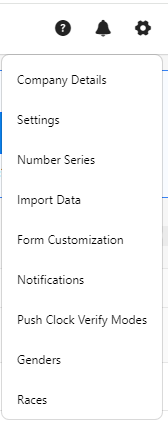
- Click on the gear “
 ” icon on the top right corner of the application.
- Click Settings.
- Click on PreciseTime.
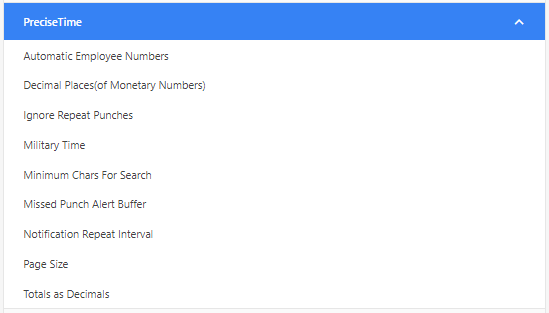
- Check the "Military Time" checkbox.

- Click Save.
- Example - To verify, try accessing the timecard screen and view the clock in/out table.