Localization
The screen allows you to set up the localization settings.
- Click on the gear “
 ” icon on the top right corner of the application.
- Click Settings.
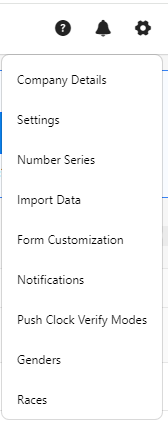
- Click on Localization.
- You can configure the following in the localization settings.

-
Report Time Zone - Select the time zone. This option is to set the time zone to be used when running reports.
-
Tenant Default Culture - This should be the UI Culture for the tenant. Example: 'en-US' (without the quotes) for United States English.
- Click Save.
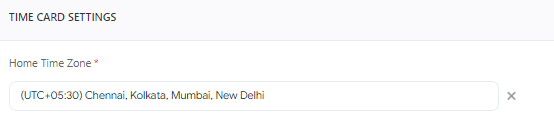
- Example - To verify, access the New Employee screen and view the Home Time zone field. By default, it will display the time zone selected on the localization settings. Note that you can change the time zone settings for each employee and save.